Suppliers
Overview
Use Suppliers to create and manage supplier profiles with filtering, status handling, and detailed supplier information. Suppliers are linked directly to Components to support traceability and reuse.
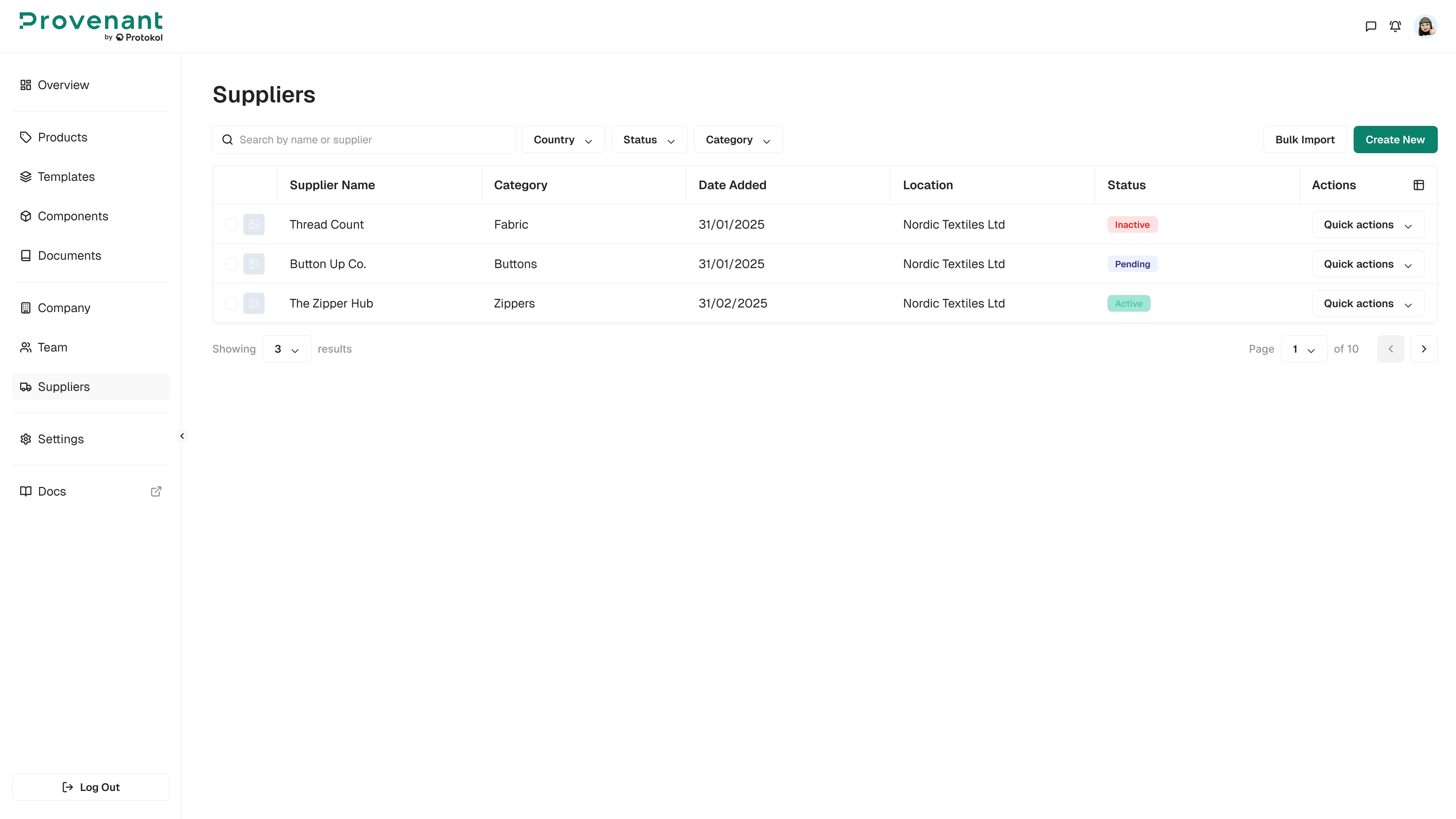
Where to find it
Go to Suppliers in the left navigation.
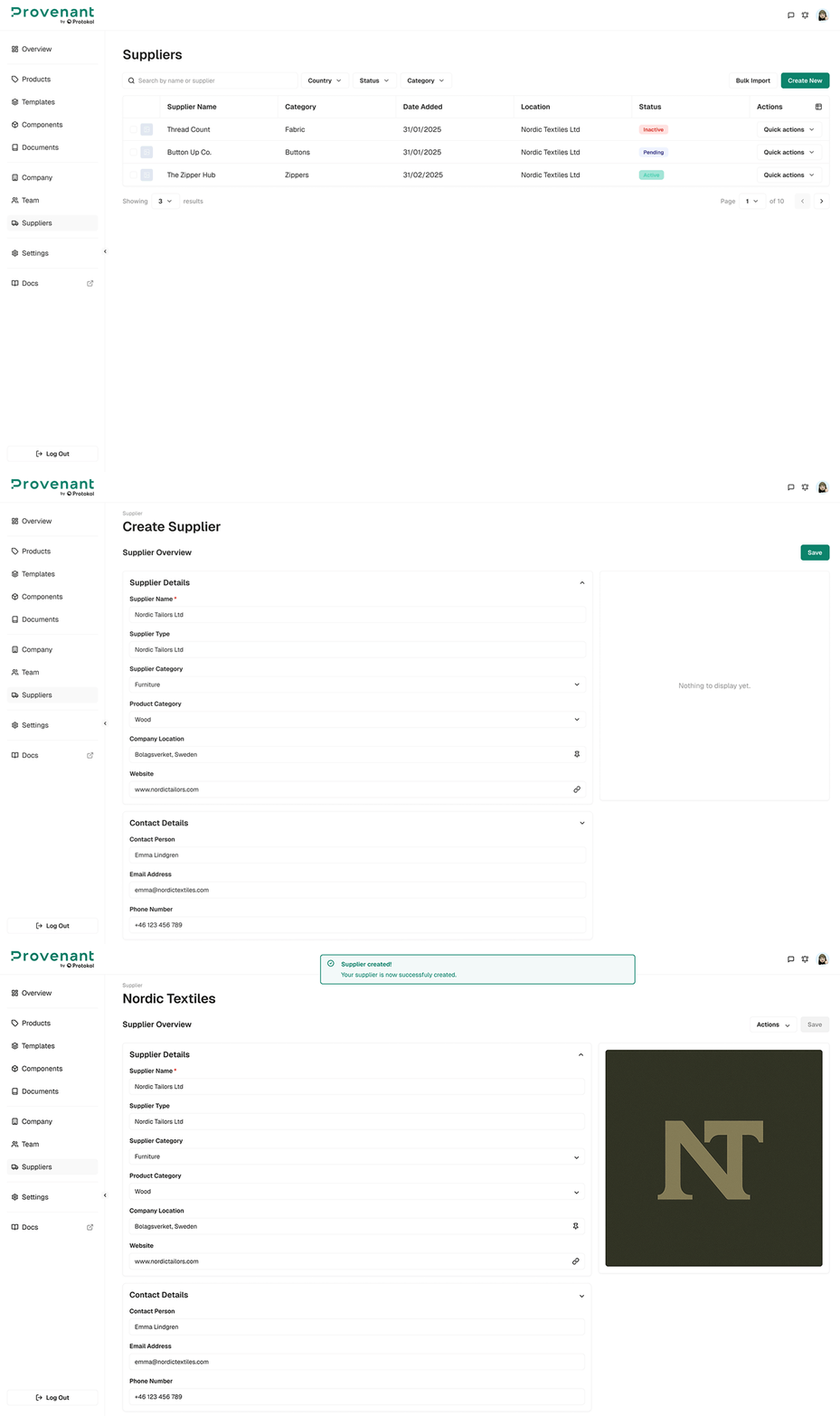
Create a supplier
Steps
- Open
Suppliers. - Click
Create New. - Fill in supplier details:
Supplier Name(required),Company HQ Location(required),Legal Identifier,Supplier Economic Operator Role(for example, Brand, Manufacturer, Supplier, Importer, Distributor, Authorised Representative),Role Description,Website,Contact Person,Email Address,Phone Number,Operations Sites(at least one site is required, multiple allowed), and a brand logo (optional upload). - Click
Createto save.
Supplier status logic
Supplier status is set automatically:
Missing email→ The supplier has no contact email address. You cannot send a supplier review request until you add one.Invited→ An email address is provided and the supplier has not joined yet.Active→ A supplier contact accepted the invitation and joined your organisation.Rejected→ A previously sent invitation was rejected.
If the supplier contacts are modified after creation, the status resets to pending (shown as Invited).
In the Suppliers list, you can search by name, location, or contact, and filter by Date Added and Status.