Audit Trail
Use the Audit Trail to review changes across the workspace: who did what, when, and through which channel. The audit trail supports accountability, compliance evidence, and troubleshooting of unexpected changes.
Every record in the workspace carries an audit trail and field-level provenance. This applies to products, models, batches, items, DPPs, components, events, documents library, suppliers, and supplier requests.
What is tracked
Typical actions recorded include:
- Models created, edited, published, or unpublished.
- Batches and items created or updated.
- Events added, edited, or removed.
- Components and supplier requests submitted or revised.
- Documents uploaded or replaced.
- Access Keys created or revoked.
- Role or permission changes.
For each field that is created or updated, the platform also stores the following provenance metadata:
Source type– supplier_user, internal_user, or external_api.Source IDandname– the identifier and display name of the user, supplier, or external system that submitted the value.Input method– manual (UI entry), api, or import.Timestamp– the moment the value was submitted, in UTC.Previous and new values– the value before and after the change.- Field-level metadata is
versionedso the full history of a field can be replayed.
Where data can come from
| Source | How provenance is captured |
|---|---|
| Internal user (UI) | Source type internal_user, input method manual. The user ID and display name are stored with every change made through the DPP Manager. |
| Supplier user | Source type supplier_user, input method manual. Captured on new component submissions and on supplier revision or edit flows. |
| External API | Source type external_api, input method api. The external system ID or label (for example, an ERP or PLM integration name) is stored with every API-driven change, with a server-side UTC timestamp. |
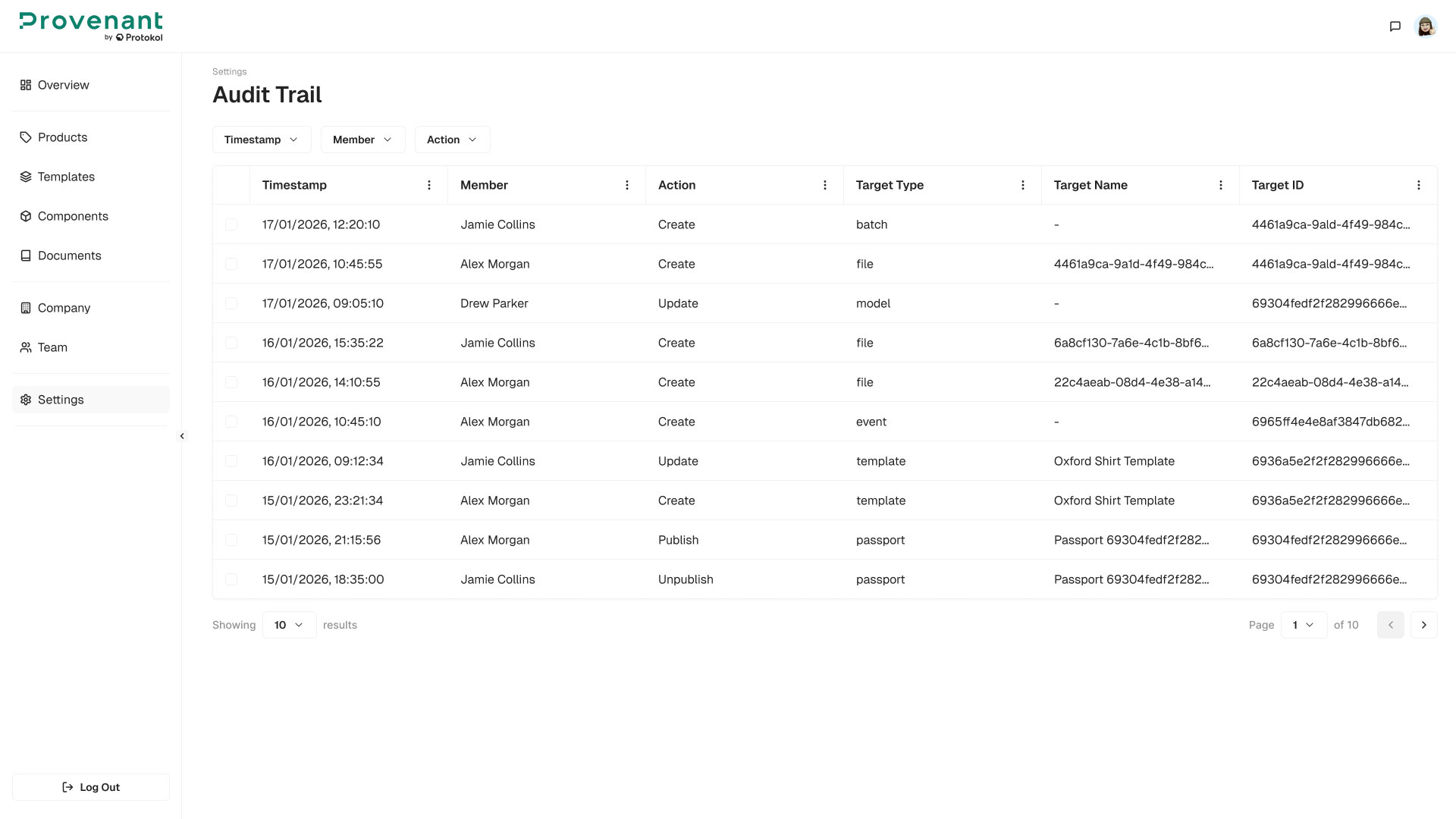
Open the Audit Trail
- Open
Settings›Audit Trailfrom the left navigation. - The table opens with the most recent changes first.
The table shows the following columns:
Timestamp– Sortable, defaults to most recent first.Member– The user or external source that performed the action.Action– For example, Create, Update, Delete, Restore, Publish, Unpublish, Import, Export, Review Sent, Approve, Reject, or Access Denied.Type– The entity type (for example, Model, Batch, Item, Passport, Template, Component, Document).Target– The target name (for example, Polka Blouse).Method– Manual, Imported, API, or External Actor.Field– The field that changed, when available.Origin– Internal, API, or External System.
You can search by keyword, and filter by date range, Member, Action, Type, Method, and Origin. The table supports pagination, page-size selection, and sorting by timestamp.
Export the Audit Trail
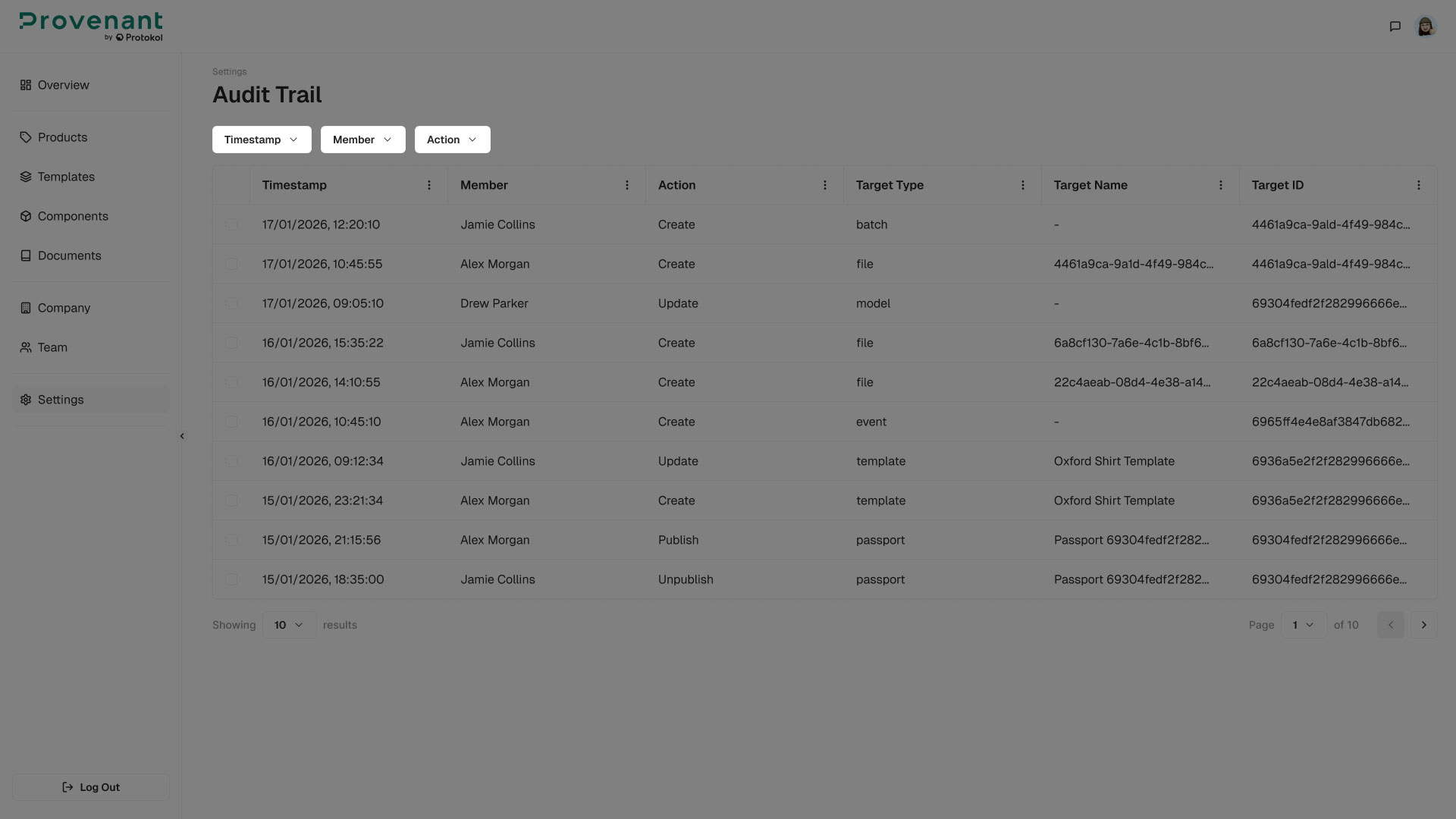
You can download audit trail records as a CSV file. The file has the same layout in both cases.
- To export all records that match the current filters, click
Export Dataat the right end of the filter row of theAudit Trailtable. The export includes every matching record, not only the visible page. - To export one record, open the record and click
Export Datain the page header.
Each row in the CSV file has these columns: Timestamp (UTC), Action, Member Name, Member Email, Member ID, Role, Method, Origin, Target Type, Target Name, Target ID, Field, Parents, and Details (JSON).
Entity history view
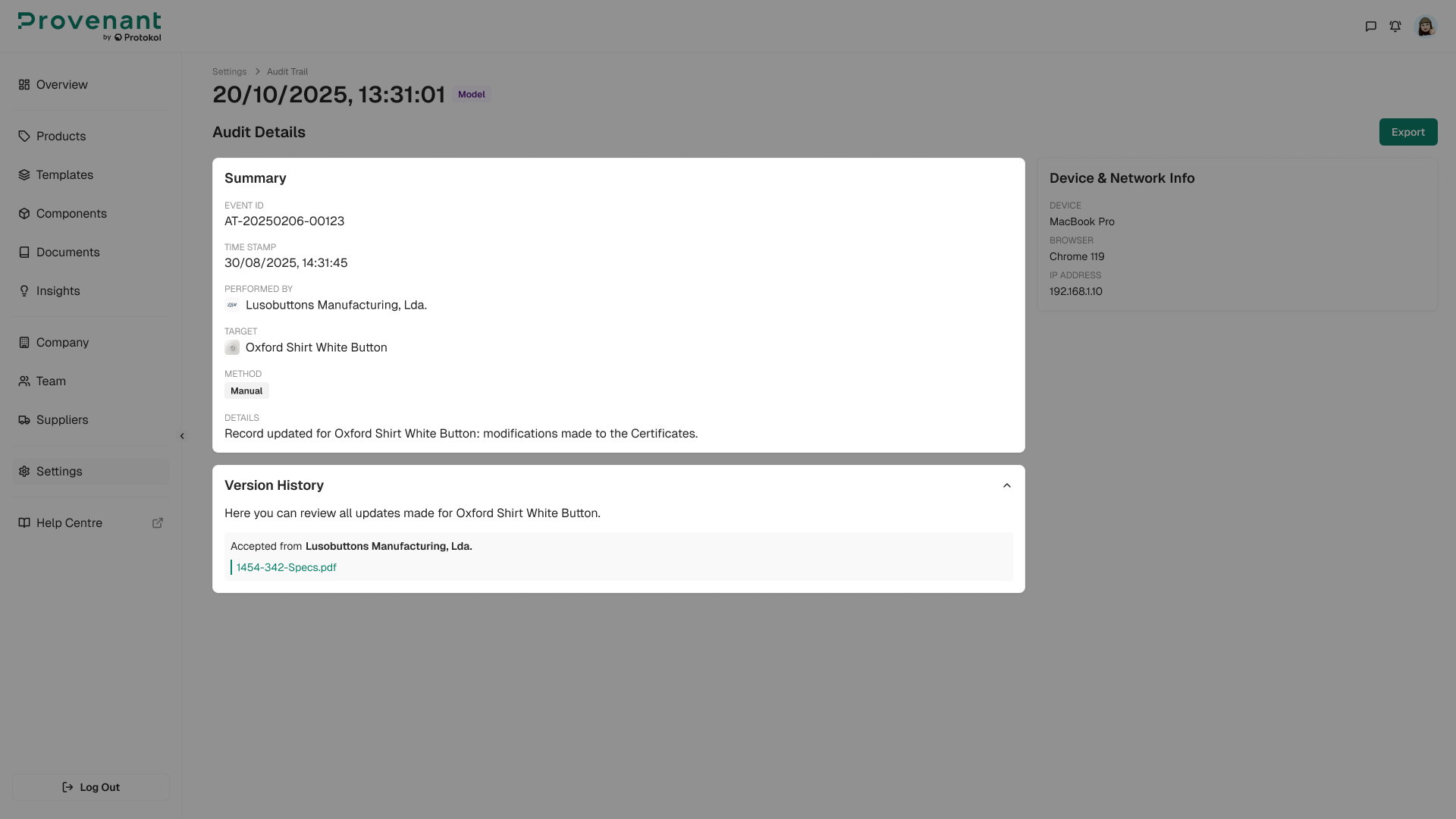
Select a record in the Audit Trail table to open its Audit Details page. The page is organised into two areas:
- A
Summarysection at the top with the entity information and metadata, plus device and network details when available. - A
Version Historysection below with a field-level change breakdown, when the record has field changes. Each entry includes the action type, user name, source type, input method, timestamp, and the previous and new values.
Field-level diffs are visually distinguishable (old vs new value), and the source type is shown as a badge.