Overview
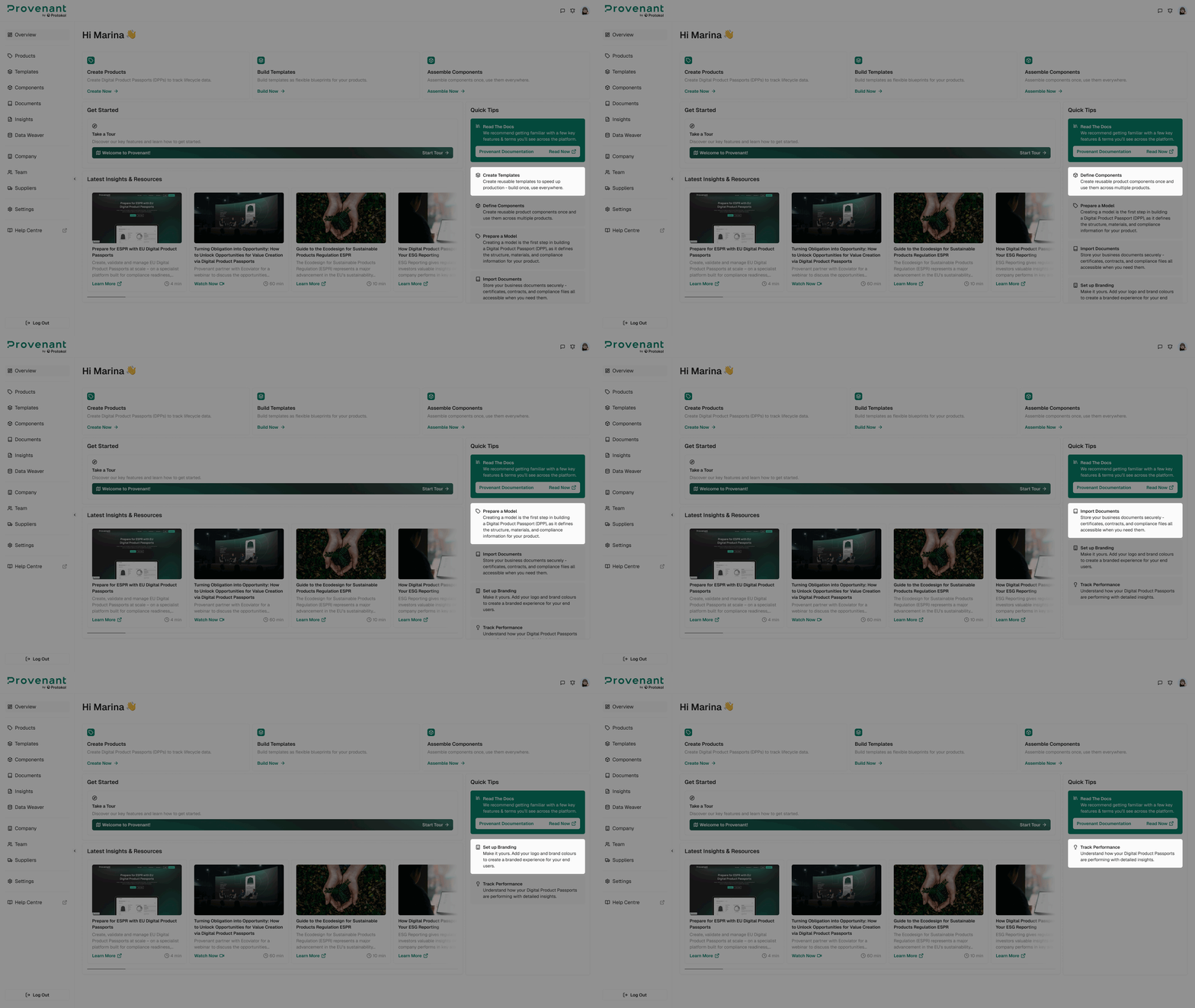
The Overview page has been redesigned to focus on onboarding and educational resources rather than statistics. Product and DPP statistics have been moved to the new Insights screen (see the Insights section).
Page Layout
The Overview is organised into the following areas:
- Greeting header with the user's name.
- Primary actions to start core workflows:
Create Products,Build Templates, andAssemble Components. Get Startedsection to guide users through onboarding.Unsynced DPPswidget that lists published DPPs that need a republish.Latest Insights & Resourcesfrom the Provenant website.Quick Tipssidebar with platform concepts.
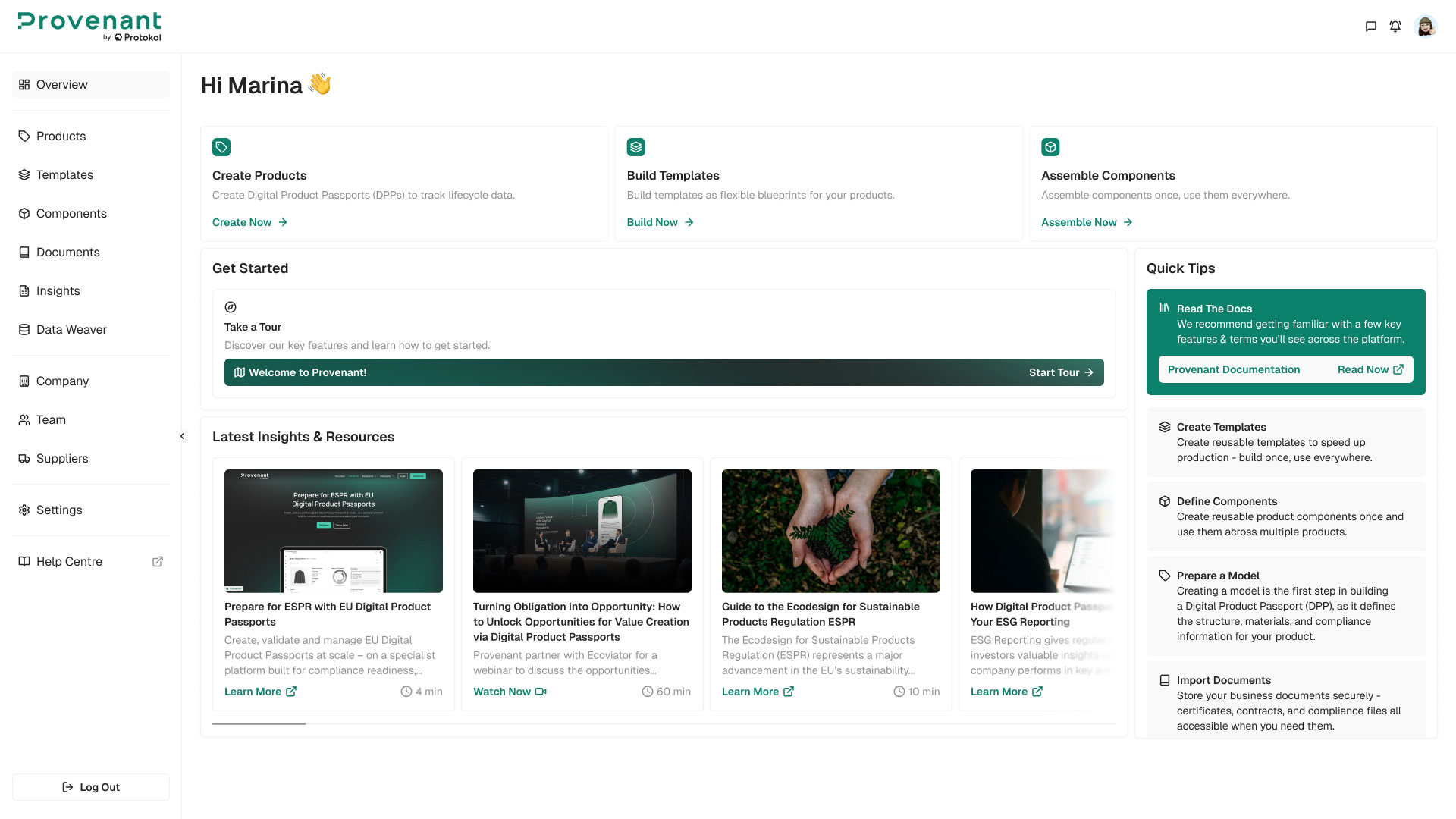
Get Started
This section helps new users take their first actions in the platform. It shows the Take a Tour card. Click Start Tour to open the welcome tour and discover key features.
Unsynced DPPs
This widget lists published DPPs whose live data is not the same as their latest changes. The title shows the total count, for example Unsynced DPPs (6). When all DPPs are in sync, the widget shows a short confirmation message.
Review Passports– Opens the Products list, filtered to out-of-sync DPPs.Republish All– Opens a dialog to republish all unsynced DPPs. You see this action only if you have the publish permission.
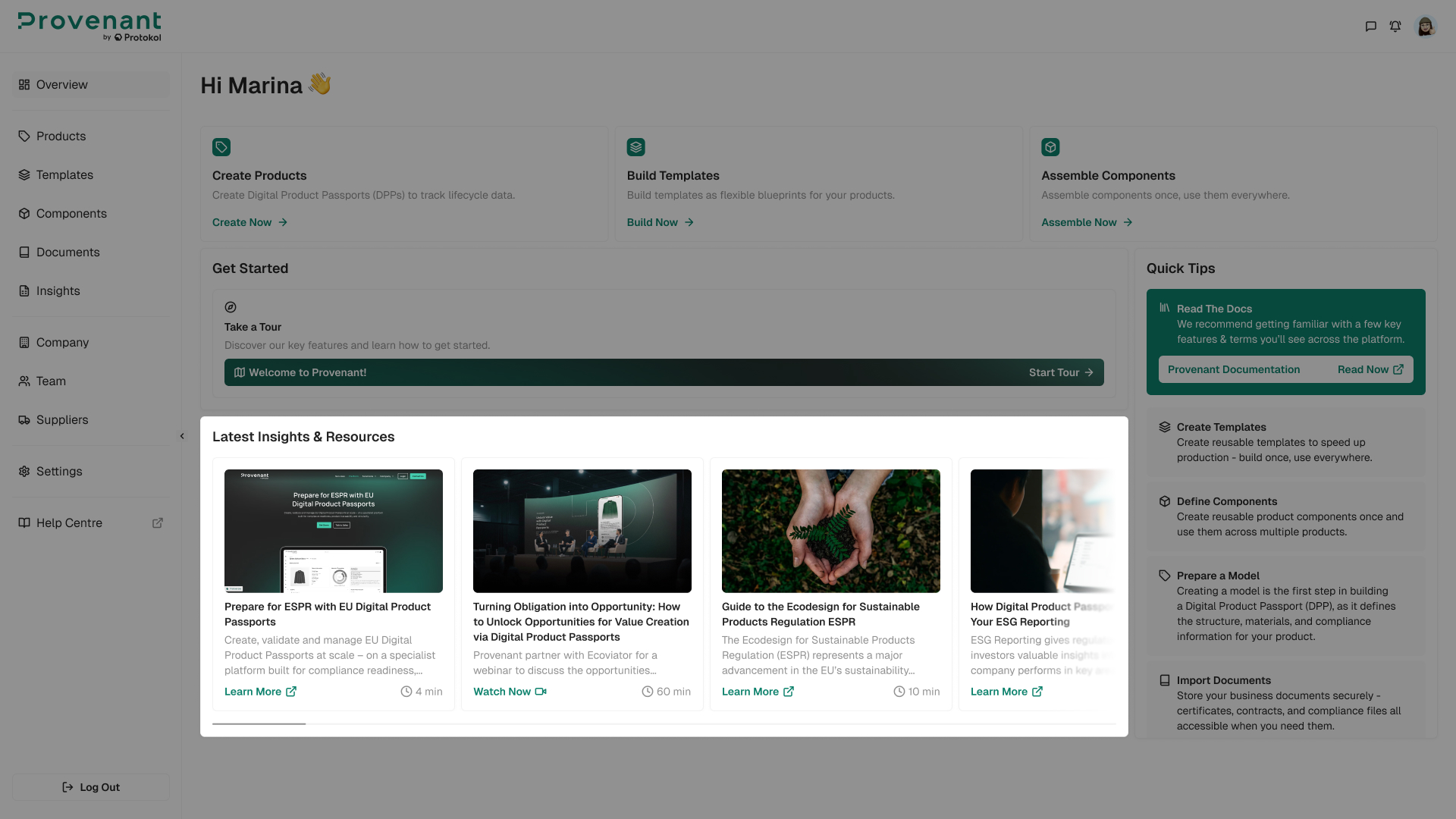
Latest Insights & Resources
Cards display educational content from the Provenant website. Each card shows an image, title, description, reading time, and a CTA that opens the article in a new tab. Up to four cards are visible at once; additional resources can be reached via horizontal scroll.
Quick Tips
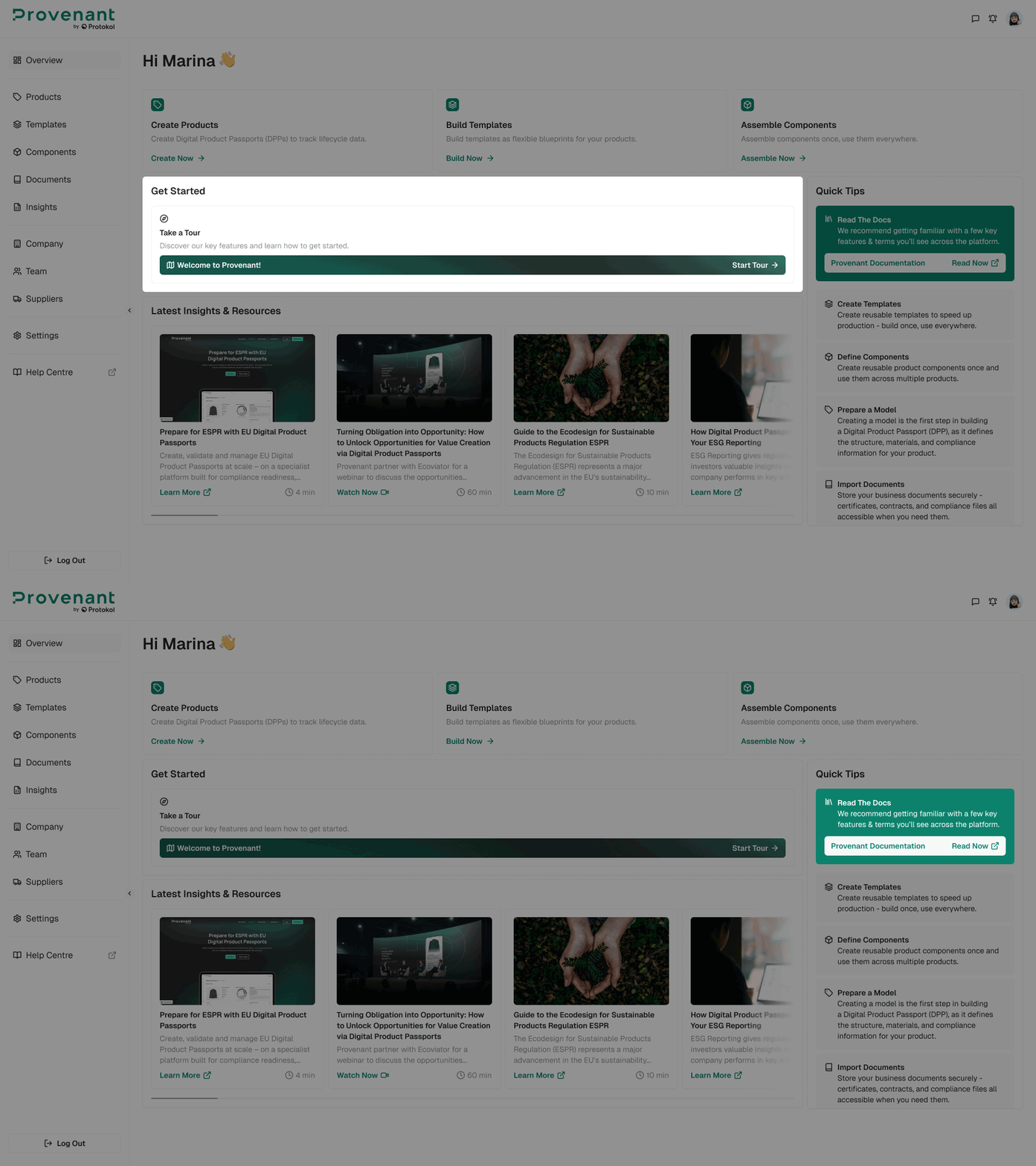
A side panel highlights key platform concepts to help users learn how the workspace fits together. At the top, the Read The Docs card opens the Provenant documentation in a new tab.
- Create Templates - Create reusable templates to speed up production.
- Define Components - Create reusable product components once and use them across multiple products.
- Prepare a Model - Creating a model is the first step in building a Digital Product Passport.
- Import Documents - Store your business documents securely.
- Set up Branding - Add your logo and brand colours to create a branded experience.
- Track Performance - Understand how your DPPs perform with detailed insights.