My Profile
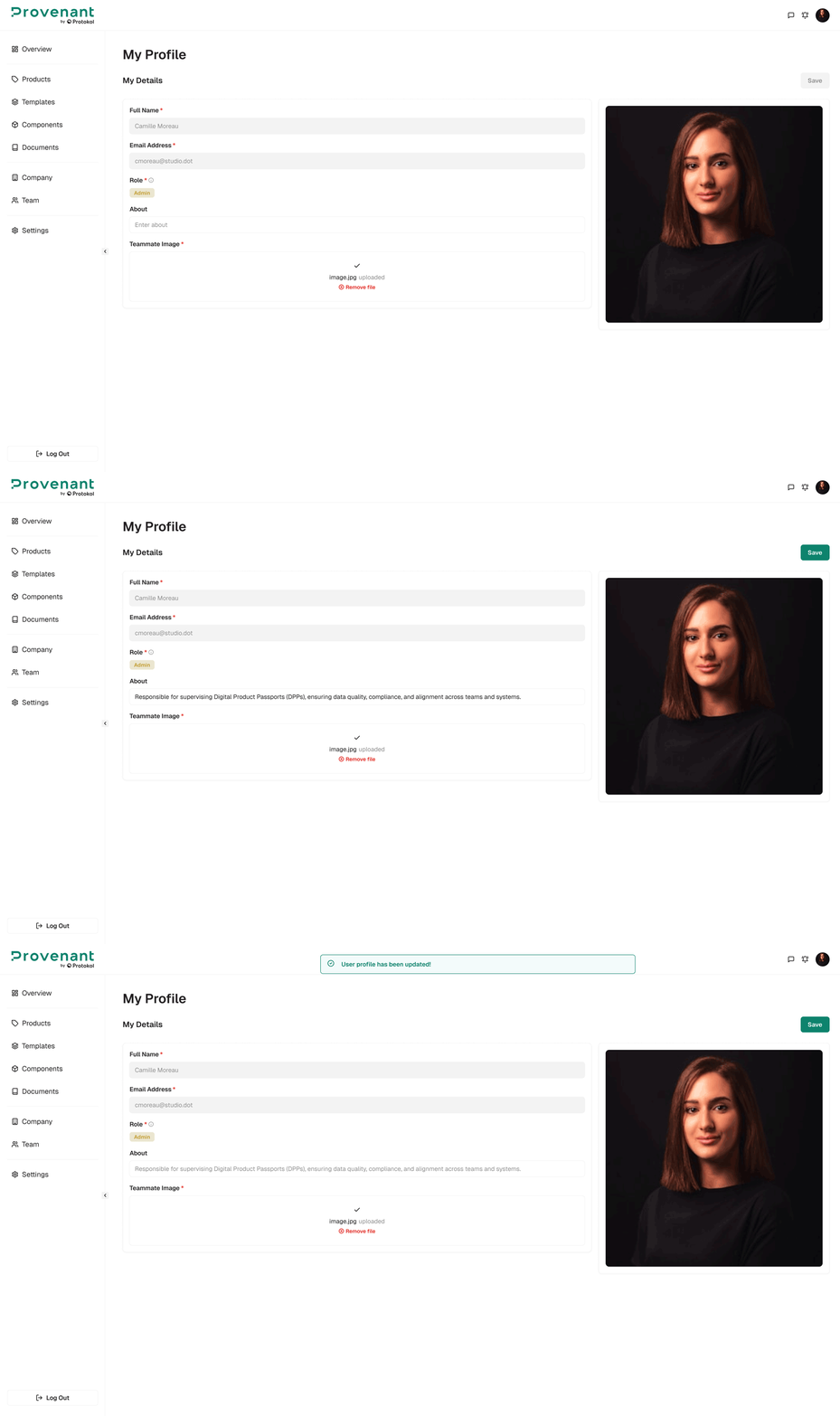
Use My Profile to review your Full Name, Email Address, and Role, and to update your Image and About text. Your role determines what you can view, edit, publish, or manage in the workspace.
Open My Profile
- Select your
avatar(or initials) in the top-right corner. TheMy Profilepage opens. Reviewyour details and role.- To change your image or
Abouttext, edit the fields and selectSave. You cannot change your name or email address here.
tip
If you need additional permissions (for example, to publish DPPs or manage access keys), contact an admin and request a role change in Settings › Roles & Permissions.