Company Website
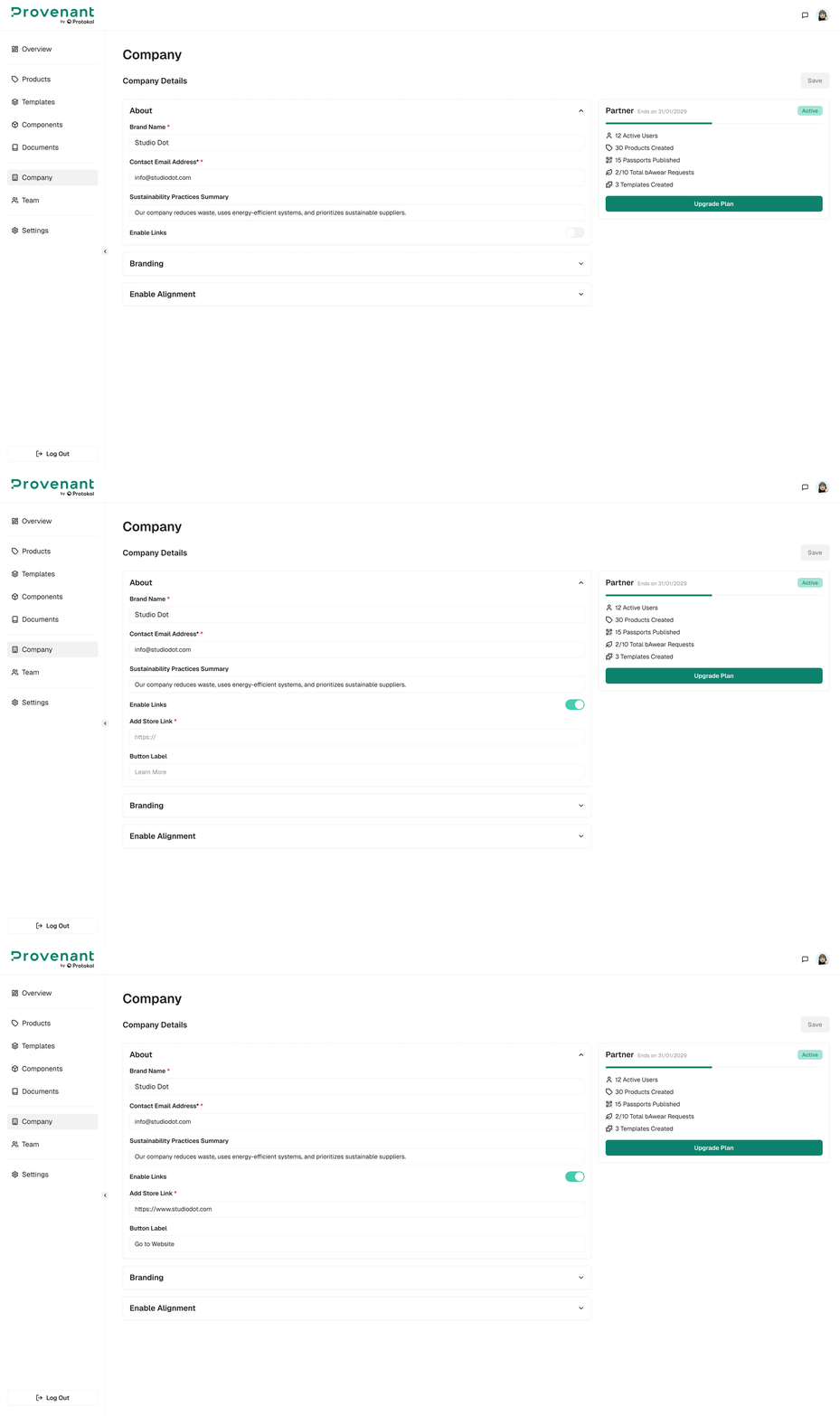
Configure a global Call-to-Action (CTA) that appears at the end of every DPP.
tip
This is ideal for driving traffic to your website, service portal, or repair page.
Steps
- Open
Company›Company Website. - In
Button Label, enter the label you want end users to see (for example: Learn more about this product or Request repair). - In Website (URL), enter the destination
link. - Select Save.