About
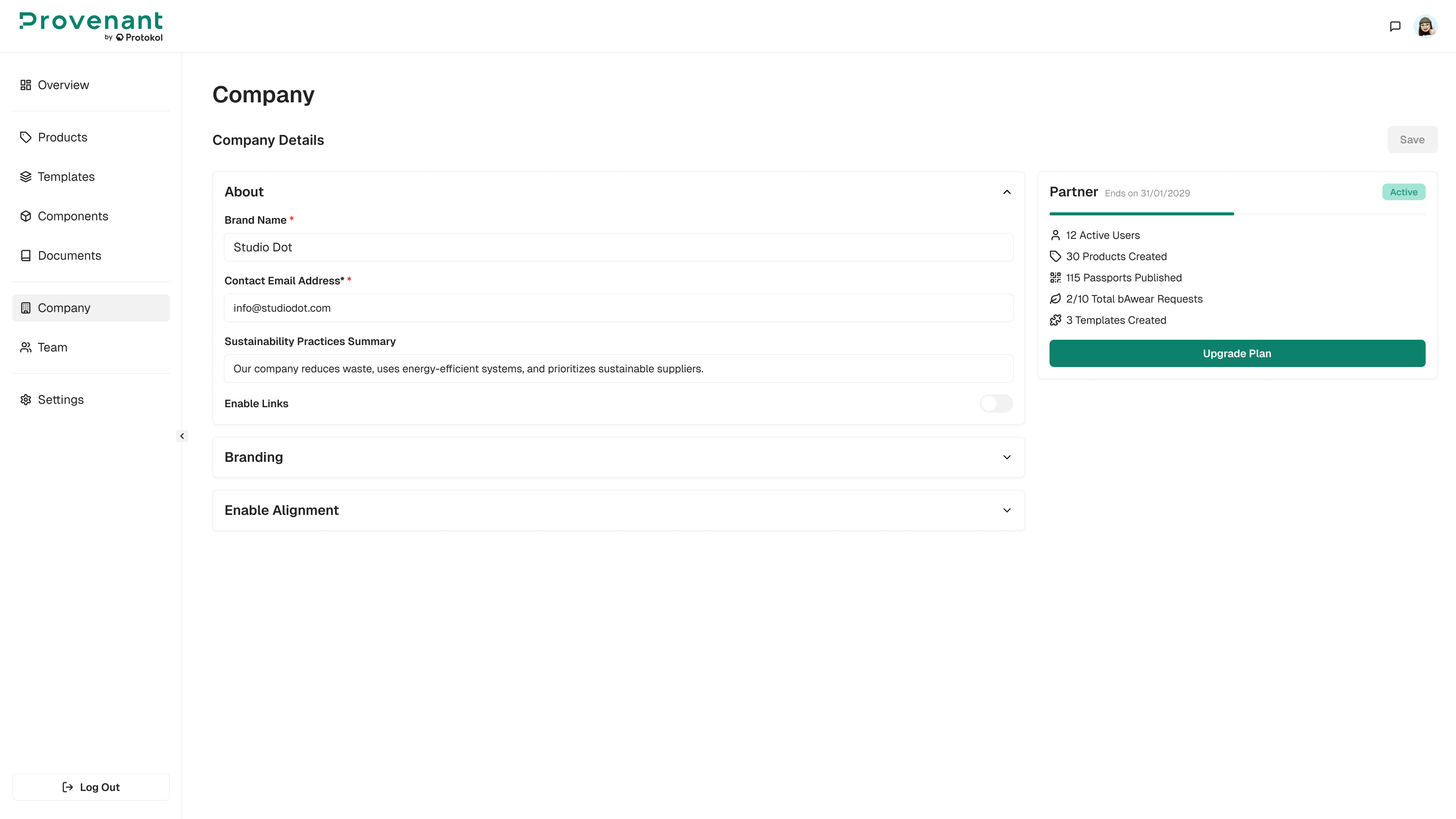
Use Company › About to keep your organisation’s identity and contact details up to date. These values can appear in the DPP and in system notifications.
Steps
- Open Company › About from the left navigation.
- Edit fields such as:
- Company
name - Primary
contactname - Contact
email
- Company
- Select Save to apply the changes.